CMS Plugins
CMS Plugins
Our free plugins for WordPress and Drupal provide an easy way to validate domain ownership and manage scans directly from your CMS admin.
WordPress Plugin
1. Download and Installation
Download the plugin zip file and upload it through your WordPress admin console via Plugins → Add New → Upload Plugin.
2. Domain Validation
Once installed, navigate to the Kuality section in your WordPress sidebar and select "Domain Validation". The plugin uses your organization ID as a verification code to prove domain ownership.
Drupal Module (10+)
1. Installation
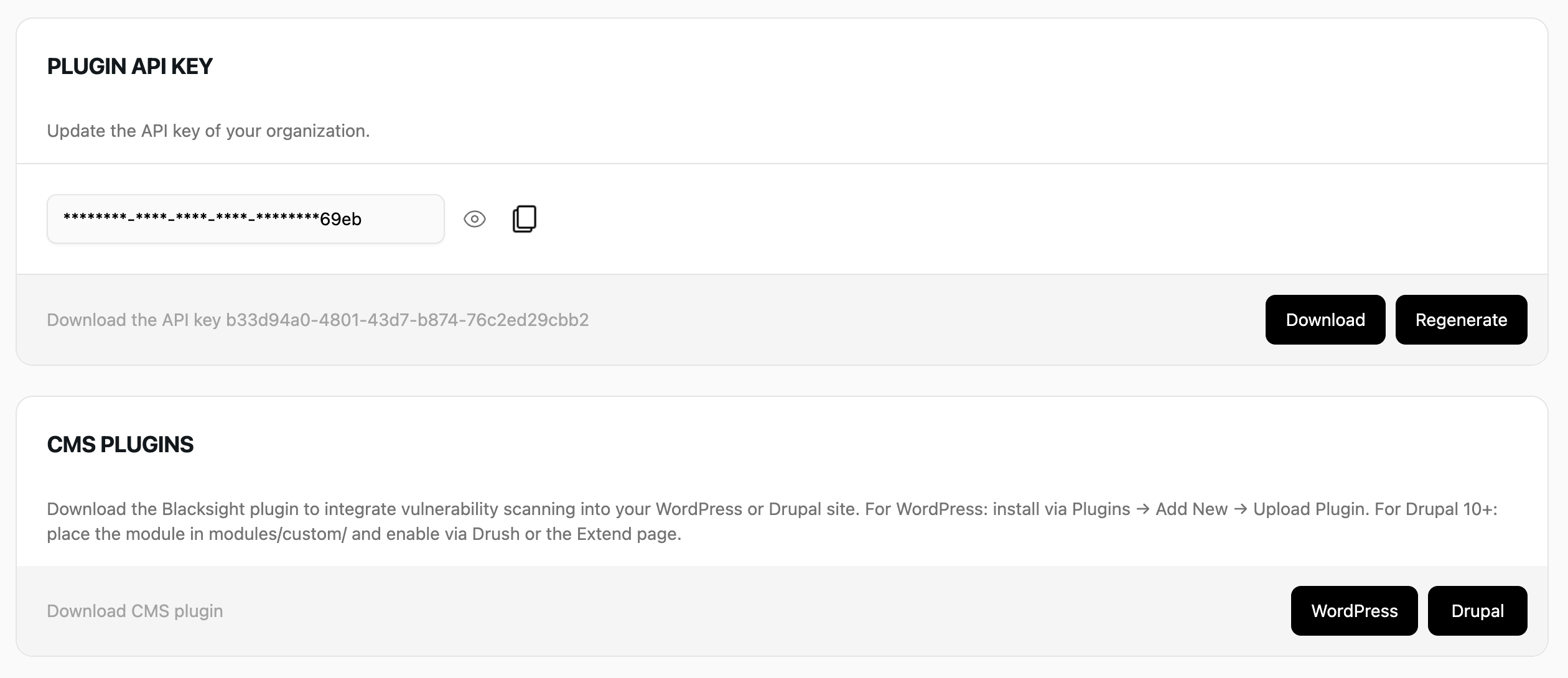
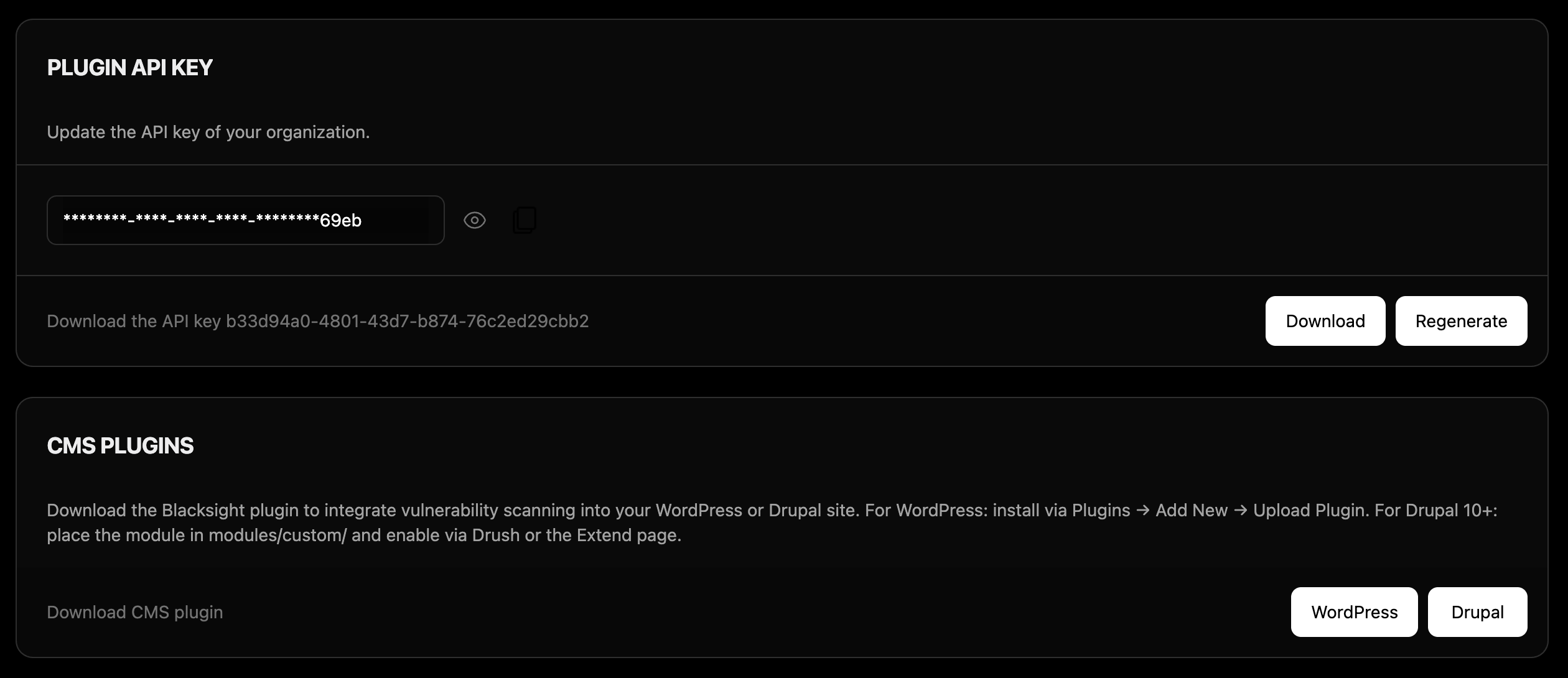
Download the module zip from your
organization settings
and extract the kuality_io
folder into your site's modules/custom/
directory.
Then go to Extend, search for "Kuality", check the box, and click Install.
Alternatively, enable via Drush: drush en kuality_io.
2. Configuration
Go to Administration → Configuration → Web services → Kuality. Enter your API key to connect your site.
3. Status Page Integration
Your BScore automatically appears on Drupal's status report page (/admin/reports/status) with color-coded severity. Score changes are also logged to Drupal's watchdog.
Note
Both plugins use the same API key from your organization settings. You can find your organization ID and download both plugins during the setup process or from your organization settings. Domain verification typically takes a few minutes but may take up to 24 hours depending on your DNS provider.